
A restaurant's contact page is the final conversion point between a curious visitor and a paying guest. Most restaurant owners treat it as an afterthought, burying phone numbers at the bottom of a cluttered page or skipping a map entirely. That's a costly mistake. Why contact page design matters for restaurants comes down to three forces working simultaneously: customer trust, usability, and local search visibility. Get all three right, and your contact page becomes one of the highest-performing pages on your site.
Why contact page design matters for restaurants more than you think
The contact page is the last step before a customer picks up the phone, books a table, or walks through your door. The contact page is the final conversion step; every element either builds trust or causes drop-off, with no neutral zone. That framing should change how you think about this page entirely.
51% of website visitors cite missing contact information as the biggest omission on company websites. For restaurants, that gap translates directly into lost reservations and unanswered catering inquiries. A potential diner who cannot find your address or phone number within seconds will not search harder. They will close the tab and call your competitor.
Google pays special attention to your contact page and uses it to confirm business legitimacy and competitive ranking in local search. This means your contact page is not just a customer-facing tool. It is an SEO asset that Google actively evaluates. Restaurants that treat this page as a key SEO landing page gain a measurable edge in local search results over those that do not.
What essential elements make a restaurant contact page effective?
Effective contact page design for restaurants starts with complete, consistent information. Search professionals call this NAP: Name, Address, and Phone number. These three details must match exactly across your website, your Google Business Profile, and every directory listing. Any discrepancy signals unreliability to both visitors and search engines.
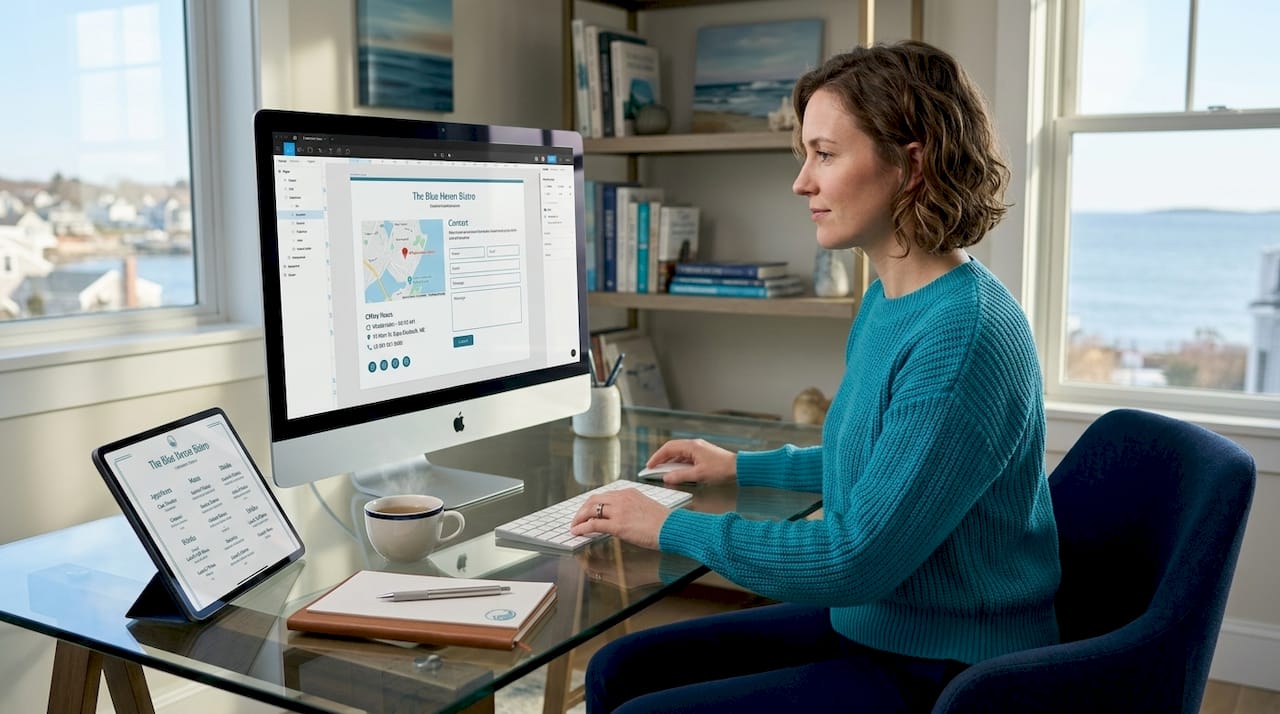
Guests typically look first for address, hours, and contact methods, and these details should appear above the fold. That means visible without scrolling on any device. If a diner is standing outside trying to confirm your hours, they need that information in under three seconds.
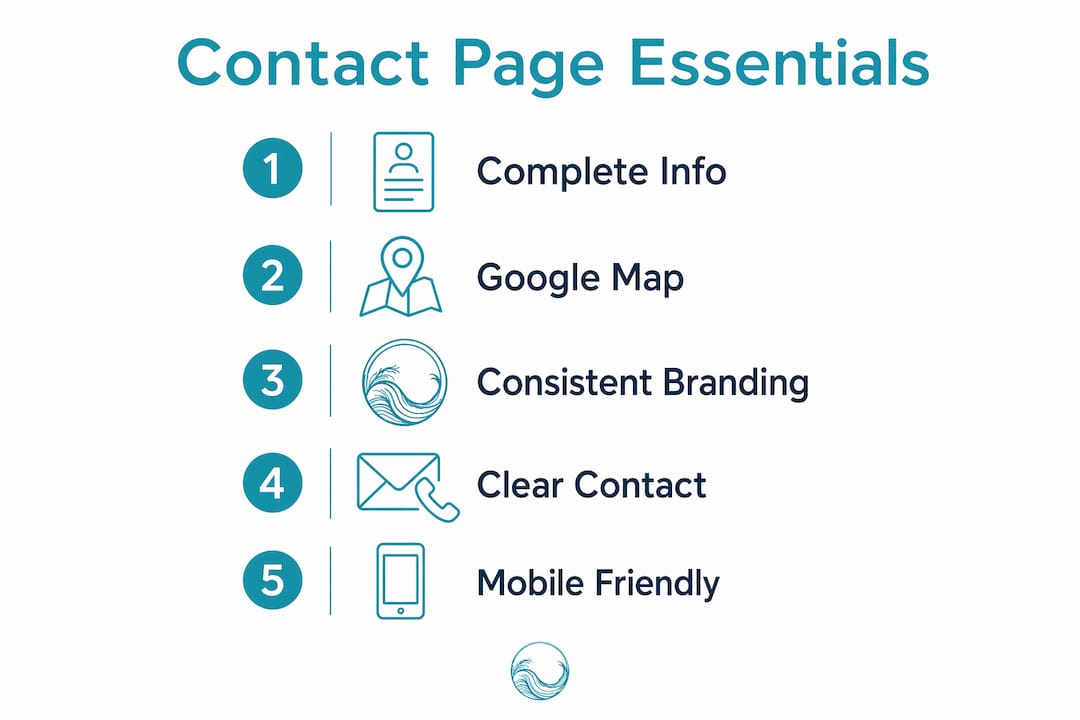
Beyond NAP, a high-performing restaurant contact page includes:
- Embedded Google Map with a direct link to your Google Business Profile, not just a static image of a map
- Clickable phone number that triggers a call on mobile devices automatically
- Business hours listed clearly, including holiday variations and seasonal changes
- Email address or contact form with a stated response time so visitors know what to expect
- Trust signals such as awards, press mentions, or a short selection of guest reviews
- Social media links to Instagram, Facebook, or TripAdvisor where relevant
Embedding Google Maps with a direct link to your Business Profile drives map interactions and signals legitimacy to search engines. That single element does double duty: it helps customers find you physically and tells Google your location data is accurate.
Consistent branding and flawless copywriting on your contact page prevent trust erosion at the exact moment a visitor is deciding whether to reach out. A spelling error or a logo that looks different from the rest of your site can be enough to make someone hesitate.
Pro Tip: Add a short, warm sentence above your contact form explaining who responds to inquiries and when. Something like "Our team replies within 24 hours, Monday through Saturday" removes uncertainty and increases submissions.
How does contact page design impact local SEO for restaurants?
Local SEO and contact page design are inseparable for restaurants. Googlebot only fetches the first 2MB of HTML per URL. If your contact details are buried deep in the page or loaded through heavy JavaScript, Google may never index them. That means your restaurant could be invisible in local search despite having all the right information on your site.
Restaurants often unintentionally bury critical data in HTML or use heavy client-side scripts, causing Googlebot to miss contact info entirely. This is a technical problem with a practical fix: place your name, address, phone number, and hours as plain HTML text near the top of the page source, not inside a JavaScript-rendered component.
| SEO factor | What to do |
|---|---|
| NAP consistency | Match contact details exactly across your website and Google Business Profile |
| HTML placement | Put address and phone number in plain HTML, not inside scripts or iframes |
| Google Map embed | Use an interactive embed linked to your Business Profile, not a screenshot |
| Page load speed | Compress images and minimize scripts so the page loads fast on mobile |
| Structured data | Add LocalBusiness schema markup to help Google read your contact details |
Alignment between your website contact data and Google Business Profile signals legitimacy and increases local search prominence. If your website says you close at 10 PM but your Google Business Profile says 9 PM, that conflict reduces your credibility with Google's algorithm.
Pro Tip: Use Google Search Console to check whether your contact page is indexed. If it is not appearing in coverage reports, your contact data may be loading via JavaScript that Googlebot cannot read.
What are best practices for contact forms on restaurant websites?
Contact forms are where most restaurant websites lose potential customers. The form is the moment of highest friction. Every field you add is another reason for a visitor to abandon the process.
Follow these five practices to keep form submissions high:
-
Limit fields to three to five. Name, email, and message are sufficient for most inquiries. Adding phone number, party size, and preferred date is reasonable for reservation requests, but stop there. Forms with more than five fields see significantly reduced submission rates, with abandonment potentially exceeding 70% at ten or more fields.
-
Use a dropdown to categorize inquiries. A simple selector with options like "Reservation," "Catering," "Private Event," and "General Question" routes the message to the right person without requiring extra fields. This reduces friction for the visitor and saves your staff time.
-
State your response time prominently. Place a short line directly above or below the submit button: "We reply within 24 hours." Clear response time commitments and real human presence on contact pages build trust and increase form submissions.
-
Add spam protection without CAPTCHA friction. Honeypot fields (invisible to humans, visible to bots) catch spam without forcing visitors to identify fire hydrants in blurry photos. Most modern form plugins support this natively.
-
Show a clear confirmation message. After submission, display a thank-you message on the page itself rather than redirecting to a generic page. Tell the visitor exactly what happens next: "Thanks! We'll be in touch by tomorrow morning."
Mobile optimization is non-negotiable for restaurant contact forms. Responsive design keeps form elements readable and easily tappable on smartphones and tablets. A diner searching for a restaurant on their phone while walking down the street needs a form that works with their thumb, not a desktop cursor.
How to balance multiple contact methods to meet diner preferences?
Not every guest wants to fill out a form. Some want to call. Others prefer a quick Instagram DM. Providing diverse contact channels increases the likelihood of inquiry and satisfaction, because it removes the barrier of forcing everyone through the same channel.
A well-organized contact page for a restaurant should offer:
- Tap-to-call phone number at the top of the page, formatted so mobile devices recognize it as a phone number automatically
- Click-to-email link using a mailto: tag so desktop users can open their email client in one click
- Live chat or WhatsApp button for restaurants that can staff a quick response, particularly useful for high-volume tourist destinations
- Links to your FAQ page or reservation system to handle common questions without requiring staff involvement
- Social media contact links to Instagram and Facebook for guests who prefer informal channels
The hierarchy matters as much as the options themselves. Put your phone number and hours at the very top. Place the contact form in the middle. Put social links and secondary options at the bottom. This structure matches how most diners scan a contact page: they want the fastest answer first.
Offering multiple contact methods tailored to customer preferences reduces the risk of losing diners to competitors simply because reaching you was too difficult. For restaurants in competitive tourist areas, that friction can be the difference between a full dining room and empty tables.
One often-overlooked addition is a link to your online reservation system directly on the contact page. If a guest arrives ready to book, give them the option to do it themselves without waiting for a reply. Tools like OpenTable, Resy, or a custom booking system integrated into your site remove the delay entirely.
Key takeaways
A restaurant's contact page directly determines whether a visitor becomes a guest or leaves for a competitor, making design, SEO, and usability equally critical to its success.
| Point | Details |
|---|---|
| Contact page as conversion asset | Treat it as a key landing page, not an afterthought, to capture reservations and inquiries. |
| NAP consistency drives local SEO | Match name, address, and phone number exactly across your site and Google Business Profile. |
| HTML placement affects indexing | Place contact details in plain HTML near the top of the page so Googlebot can read them. |
| Short forms convert better | Limit contact forms to three to five fields to reduce abandonment and increase submissions. |
| Multiple contact channels reduce drop-off | Offer phone, email, chat, and social options so every diner can reach you their preferred way. |
What I've learned from building restaurant contact pages that actually work
I've reviewed dozens of restaurant websites where the contact page was the single biggest obstacle between a curious visitor and a confirmed booking. The pattern is almost always the same: a phone number buried in the footer, a form with eight fields, no map, and no stated response time. The restaurant owner has no idea why inquiries are low.
The mistake I see most often is treating the contact page as a formality. Owners spend weeks perfecting their menu page and gallery, then spend twenty minutes on contact. That ratio needs to flip. The contact page is where intent converts to action. Every other page on your site exists to get visitors to this one.
What actually works, based on what I've seen perform, is treating the contact page like a mini landing page. It needs a clear headline, your most important information above the fold, a short form, a map, and at least two alternative contact methods. It also needs to look exactly like the rest of your site. A contact page that feels visually disconnected from your brand creates subconscious doubt at the worst possible moment.
One thing most articles skip: update your contact page every season. Hours change. Staff changes. Phone numbers change. A contact page with outdated information does more damage than no contact page at all, because it creates a broken experience for someone who was ready to commit.
— ErikoFN
How Corfuwebsites builds contact pages that convert for restaurants
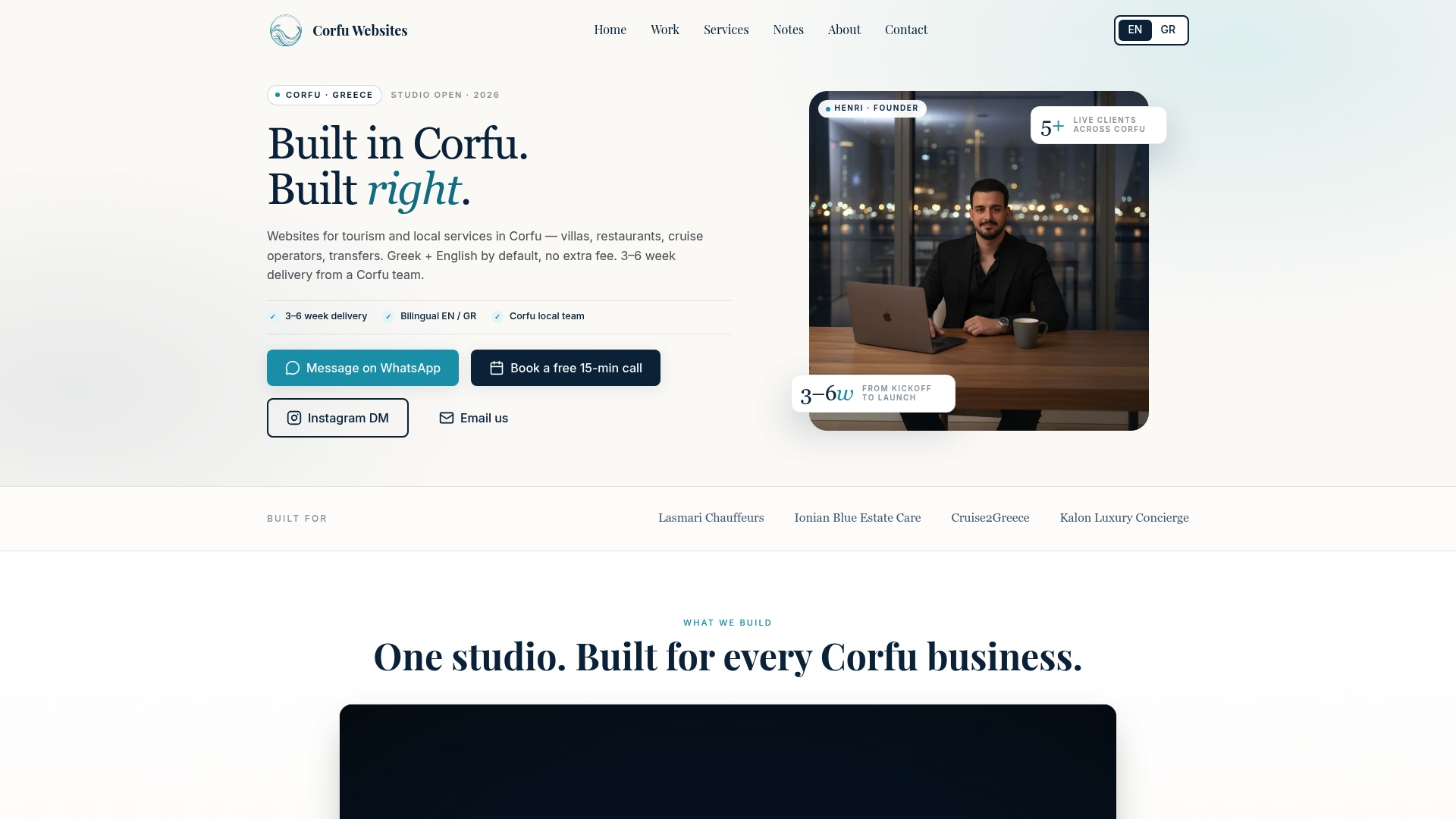
Corfuwebsites designs restaurant websites where the contact page is built as a conversion asset from day one, not added as an afterthought. Every site includes plain-HTML contact data for full Google indexing, an embedded Google Map linked to your Business Profile, and a mobile-optimized form with the right number of fields. The studio builds in Next.js and Tailwind CSS, which means fast load times and clean code that Googlebot can read without friction. Businesses like Lasmari Chauffeurs saw a 3x increase in online reservations after launch. If your restaurant's contact page is losing you guests, explore restaurant web design services built specifically for hospitality businesses in tourism-driven markets.
FAQ
Why does my restaurant's contact page matter for SEO?
Google uses your contact page to confirm business legitimacy and rank you in local search. Contact details must appear as plain HTML text so Googlebot can index them within its 2MB fetch limit.
How many fields should a restaurant contact form have?
Keep contact forms to three to five fields. Forms with more than five fields see significantly higher abandonment rates, with drop-off potentially exceeding 70% at ten or more fields.
What contact information should a restaurant always display?
Every restaurant contact page needs a name, address, phone number, business hours, and an embedded Google Map. These details should appear above the fold and match your Google Business Profile exactly.
Does mobile design affect contact page performance?
Mobile optimization directly impacts conversion rates for restaurant contact pages. Tap-to-call buttons, responsive forms, and fast load times are non-negotiable for diners searching on smartphones.
How often should I update my restaurant's contact page?
Update your contact page every time your hours, phone number, or staff contact changes. Outdated information damages trust and can hurt your local SEO ranking if it conflicts with your Google Business Profile.